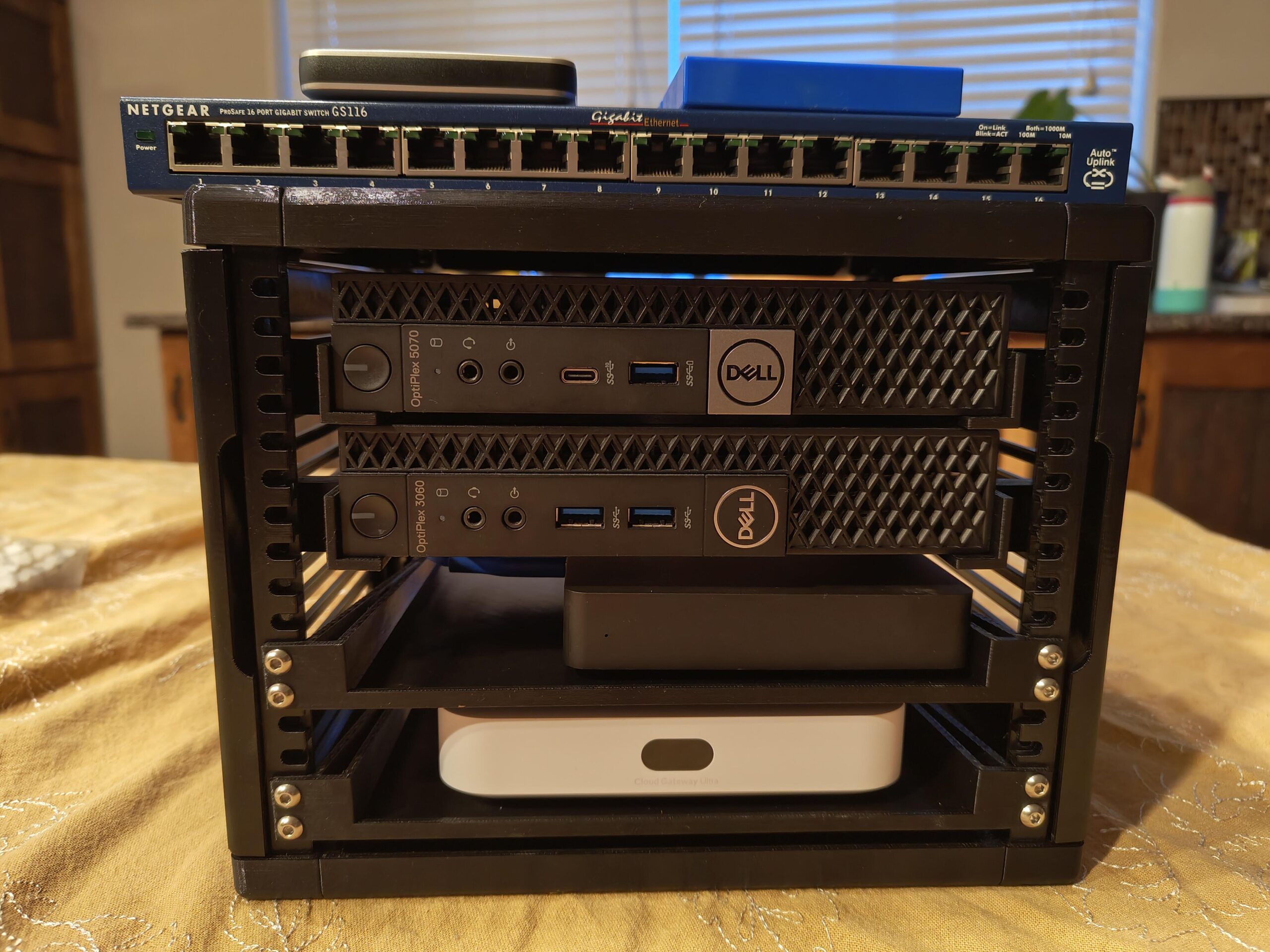
Home Lab Starter Guide: What Hardware Do You Actually Need?
It’s easy to get overwhelmed browsing homelab forums full of multi-node Proxmox clusters, rack-mounted switches, and 10Gbe networking. This home lab starter guide cuts through that noise, focusing on what you genuinely need to begin — versus what can wait until you actually know what you want to build.
Start with One Machine, Not a Cluster
The single biggest mistake newcomers make is buying hardware for a multi-node cluster before running a single service. Start with one capable machine running Proxmox VE, and let your actual usage over the first few months guide what you add next, rather than guessing upfront.
Minimum Viable Hardware
For a genuinely useful starting point:
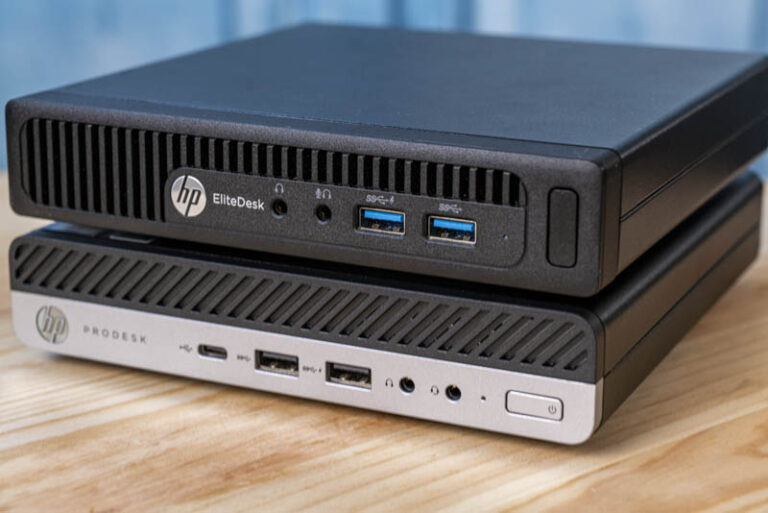
- CPU: Any modern quad-core CPU (even a used business desktop from the last 8 years) handles a handful of VMs and containers comfortably
- RAM: 16GB is a reasonable minimum; 32GB gives meaningfully more breathing room for running several services at once
- Storage: A single SSD (256GB–500GB) is enough to start; add a second drive later once you know whether you need more capacity or faster storage
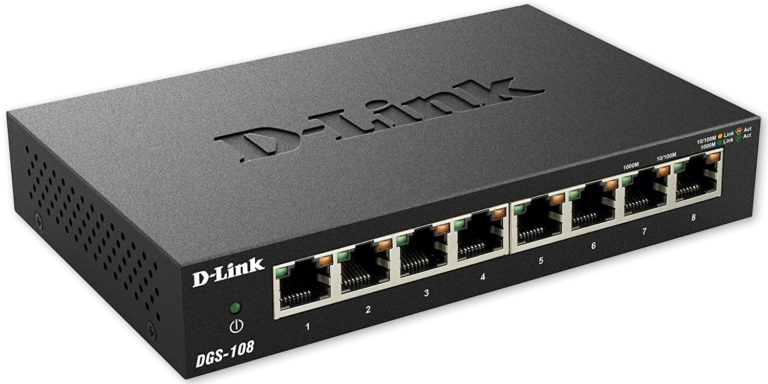
- Networking: Your existing home router and switch are fine initially — dedicated managed switches and VLANs are a “later” upgrade, not a starting requirement
What to Actually Run First
Rather than trying to replicate an elaborate setup you saw online, start with one or two services that solve a real problem for you:
- Pi-hole – immediate, noticeable value (network-wide ad blocking) with minimal resource use
- A media server (Plex or Jellyfin) – if you have a media library you want organized and streamable
- Home Assistant – if you have any smart home devices you want centralized and automated
Running just one or two well-chosen services teaches you far more about your actual homelab needs than trying to deploy ten things simultaneously.
When to Actually Add More Hardware
Add a second machine or expand storage only when you hit a genuine constraint:
- Running out of RAM or CPU headroom for new services
- Wanting redundancy so a single hardware failure doesn’t take everything offline
- Needing dedicated storage capacity beyond what your first machine’s drives can hold
Common Overspending Mistakes to Avoid
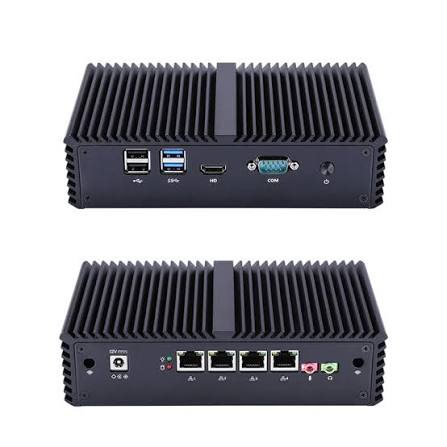
- Buying enterprise rack servers too early – they’re loud, power-hungry, and often overkill for a first homelab; a mini PC or repurposed business desktop is usually the better starting point
- Over-provisioning networking gear – 10GbE switches and fiber transceivers matter once you’re moving large amounts of data between multiple servers, not on day one
- Building redundancy before you have anything worth protecting – add backups and redundant hardware once you’re running services you’d actually be upset to lose
A Reasonable Growth Path
- Month 1: Single Proxmox host, Pi-hole and one or two other services
- Month 2–3: Add a reverse proxy (Nginx Proxy Manager) once you have multiple services to organize
- Month 4+: Consider a second machine once you understand what workloads genuinely need more resources or redundancy
- Ongoing: Add networking segmentation, dedicated backup solutions, and additional nodes as specific needs emerge from actual usage, not speculation
Final Thoughts
This home lab starter guide boils down to one core principle: start small, run something real, and let your own experience — not forum hardware envy — guide what you add next. A single well-chosen machine running a couple of genuinely useful services teaches you more in a month than an elaborate multi-node setup built before you’ve run anything at all.