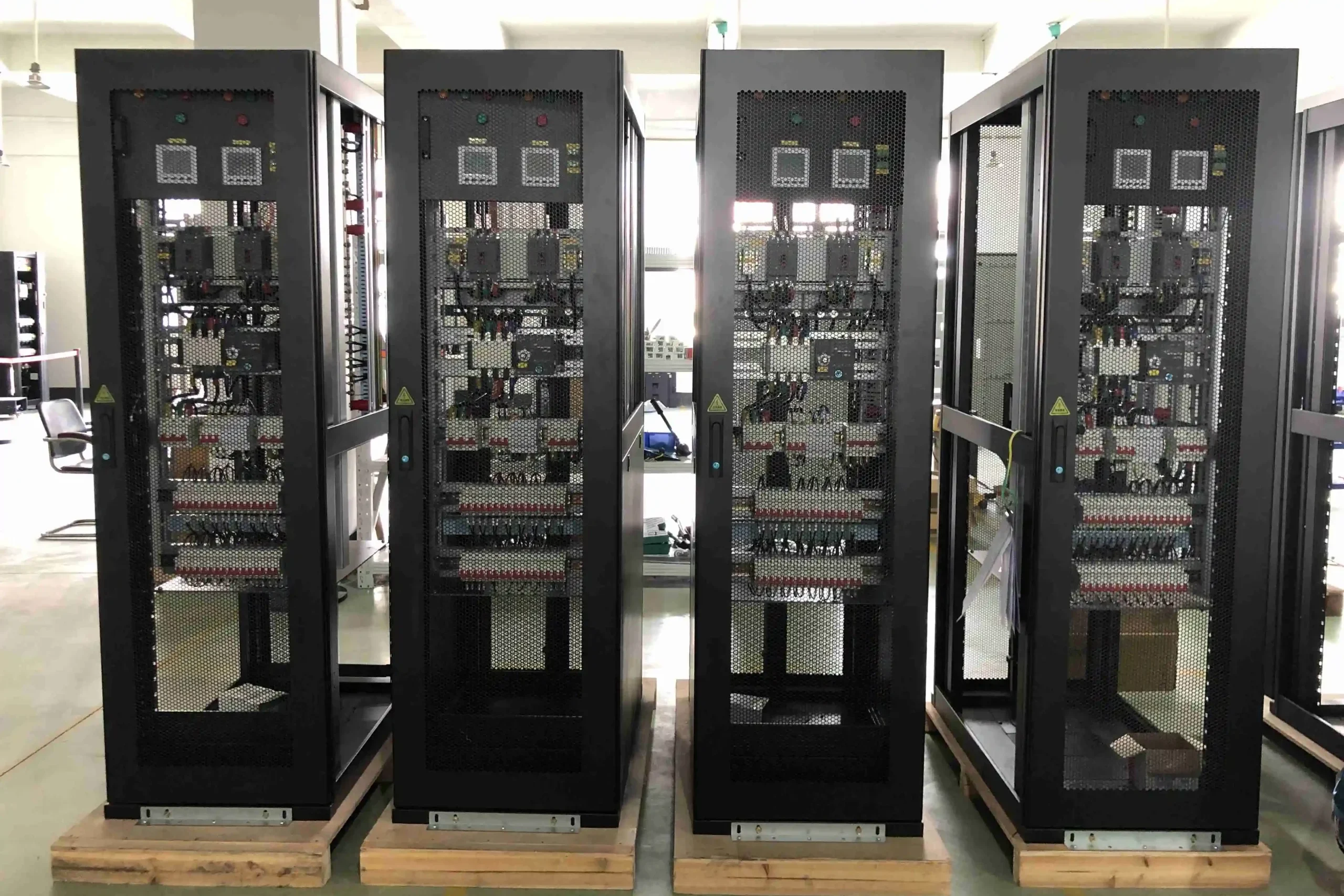
As a homelab grows past a single mini PC into multiple servers, a NAS, a dedicated router, and networking gear, the question of physical organization becomes genuinely practical rather than aesthetic. Choosing between rackmount vs tower builds for your home lab affects everything from cable management to how easily you can add the next piece of hardware.
What Rackmount Actually Means
Rackmount hardware is built to standardized dimensions (measured in “U” units, each roughly 1.75 inches tall) designed to mount into a standard 19-inch equipment rack, alongside other rackmount gear — servers, switches, patch panels — all sharing the same mounting standard regardless of manufacturer.
Advantages of Going Rackmount
- Standardized organization – everything mounts consistently, with cable management designed around the rack format specifically
- Easier expansion – adding new equipment means adding another rack unit, rather than finding physical space for another separate tower case
- Professional cable management – rack-specific accessories (cable arms, patch panels, PDUs) are purpose-built for exactly this organizational challenge
- Better airflow design – rack-mounted equipment and enclosed racks are generally engineered around consistent front-to-back airflow patterns
Downsides of Rackmount for a Home Lab
- Noise – rackmount servers, particularly real enterprise gear, often use small, high-RPM fans considerably louder than typical desktop/tower cooling, a real consideration if your rack lives somewhere noise-sensitive
- Cost – proper racks, rack-specific PDUs, and rack-mount cases carry a real price premium over equivalent tower alternatives
- Space requirements – even a small, wall-mountable rack still needs dedicated floor or wall space, which not every home has readily available
- Overkill for a small setup – if your entire homelab is one or two machines, a full rack is often unnecessary infrastructure for truly modest hardware needs
What Tower Case Setups Offer Instead
Standard desktop tower cases remain a perfectly practical choice for many homelab sizes, particularly smaller setups:
- Quieter by default – standard PC cooling components are generally engineered around noise reduction more than rack equipment typically is
- Lower cost of entry – no rack, rails, or specialized mounting hardware required
- More flexible placement – fits on a shelf, in a closet, or tucked into unused space without needing dedicated rack infrastructure
- Familiar hardware ecosystem – standard PC components, cases, and cooling solutions are more widely available and often cheaper than rack-specific equivalents
A Reasonable Middle Ground: Small Wall-Mounted Racks
For homelab users wanting some of rackmount’s organizational benefits without committing to a full-size server rack, compact wall-mounted racks (often 6U-12U) accommodate a switch, a small rack-mount UPS, and perhaps a single rack-mount server or patch panel, without demanding the floor space a full-height rack requires.
When Growth Naturally Points Toward Rackmount
If your homelab has grown to include a dedicated router (pfSense/OPNsense, ), a managed switch, a UPS, and multiple servers, the organizational benefits of a proper rack — even a small one — start significantly outweighing tower setups’ simplicity, especially once cable management for several separate tower cases becomes its own ongoing headache.
Mixing Both Approaches
Plenty of established homelabs run a hybrid setup — networking gear (switch, router, patch panel) in a small rack for the real organizational benefit that equipment specifically benefits from, while primary compute (a mini PC or repurposed tower running Proxmox) sits separately on a shelf, since server-class compute doesn’t necessarily need rack mounting to function well.
Noise Mitigation for Rackmount Gear
If you do go rackmount and encounter noise concerns, options include replacing stock enterprise cooling fans with quieter aftermarket alternatives (where physically compatible), locating the rack somewhere naturally more isolated (a closet or basement), or specifically seeking out rack-mount cases marketed toward quieter home/small-office use rather than real enterprise deployment.
Final Thoughts
The rackmount vs tower decision for a home lab comes down honestly to your actual scale, budget, and noise tolerance rather than one option being objectively superior. For a modest homelab of one or two machines, tower or mini PC setups remain really practical and simpler; for a homelab that’s grown to include multiple servers, dedicated networking gear, and real cable management challenges, even a small rack starts paying for itself in organization and expandability.
Leave a Reply