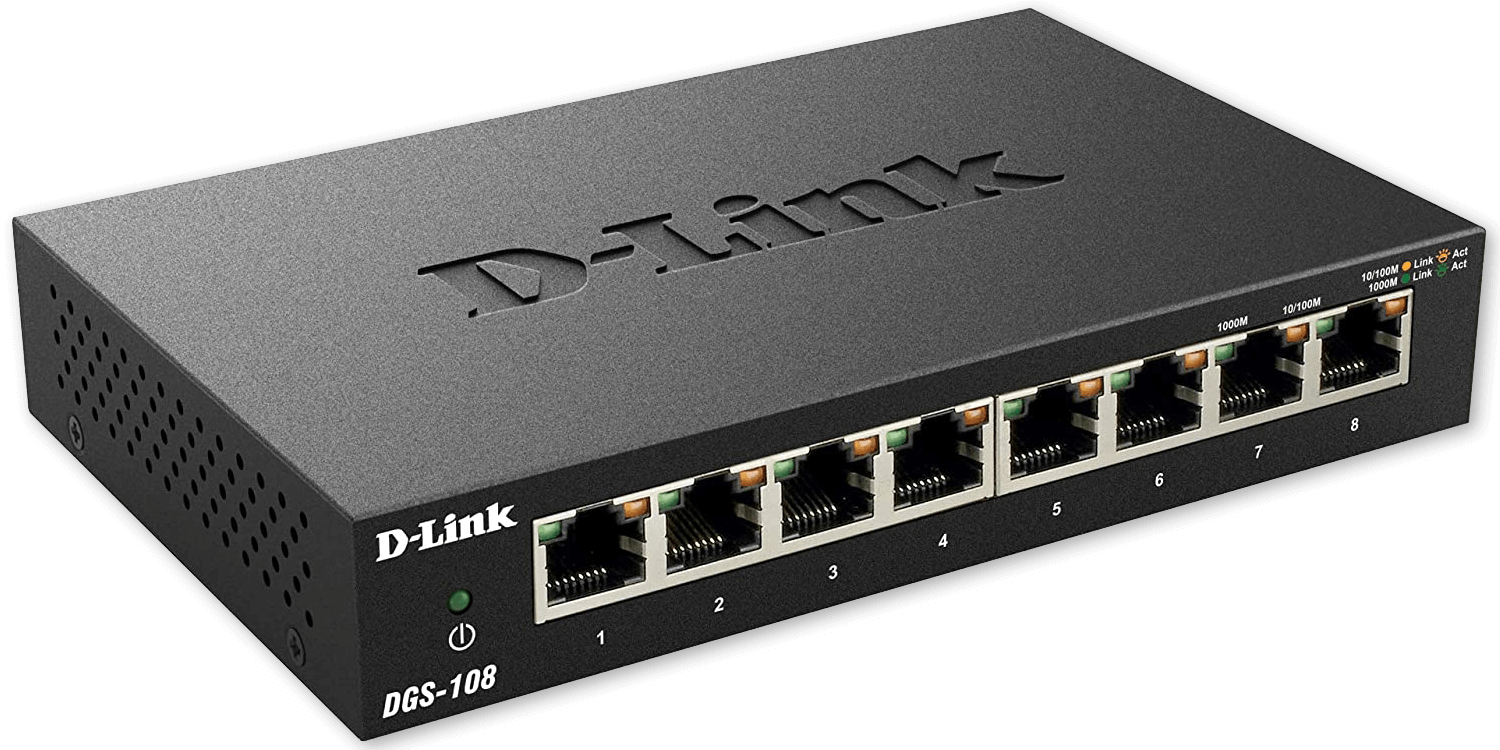
The switch connecting your homelab servers together often gets far less attention than the servers themselves, yet a poorly chosen one can quietly bottleneck everything from file transfers to VLAN segmentation. Picking the right network switch for your home lab matters more than it might initially seem, especially once your setup grows beyond a couple of devices.
Managed vs Unmanaged Switches
This is the single most important distinction to understand:
- Unmanaged switches – simple plug-and-play devices with no configuration options; fine for a basic setup with no VLANs or advanced features needed
- Managed switches – offer VLAN support, port mirroring, link aggregation, and detailed traffic statistics, essential once you want network segmentation or more advanced homelab networking features
For anyone planning to grow their homelab significantly, a managed switch is worth the modest price premium from the start, since retrofitting VLANs onto an unmanaged switch simply isn’t possible.
Port Speed Considerations
- Gigabit (1GbE) – still perfectly adequate for most homelab traffic, including typical Plex streaming, file transfers, and general service access
- 2.5GbE – increasingly common and affordable, offering a meaningful step up for NAS-heavy setups or environments doing frequent large file transfers between machines
- 10GbE – worth considering specifically for direct connections between a NAS and a Proxmox host doing heavy storage work, though the switches and network cards themselves carry a real price premium
Most home labs don’t need 10GbE across every port — a hybrid approach with a few key 2.5GbE or 10GbE ports for your busiest connections (NAS, primary Proxmox host) and Gigabit for everything else is often the most cost-effective choice.
Port Count Planning
Count your actual devices — Proxmox hosts, NAS, access points, any wired IoT devices — then add meaningful headroom for growth. Running out of switch ports later means either replacing the entire switch or awkwardly daisy-chaining a second one, so it’s worth slightly over-provisioning port count upfront rather than buying exactly what you need today.
Power over Ethernet (PoE) Considerations
If your homelab includes PoE-powered devices like wireless access points or PoE cameras, a switch with built-in PoE support eliminates the need for separate power injectors at each device, simplifying cabling and reducing the number of power adapters cluttering your setup.
VLAN and Trunk Port Support
For anyone implementing VLAN segmentation, confirm the switch explicitly supports 802.1Q VLAN tagging and trunk ports — necessary for carrying multiple VLANs over a single cable to devices like your router or a Proxmox host that needs to participate in several VLANs simultaneously.
Noise Considerations
Some managed switches, particularly those with PoE or higher port counts, include active cooling fans that can add noticeable noise to a homelab space. If your setup lives somewhere noise-sensitive, check for fanless models explicitly, since this detail is easy to overlook when comparing specs focused purely on port count and speed.
Popular Homelab-Friendly Brands
Brands frequently recommended in homelab communities for their balance of features, price, and reliability include Ubiquiti’s UniFi line, TP-Link’s managed switch lineup, and MikroTik for users wanting more advanced routing features built directly into their networking gear.
A Reasonable Starting Point
For most home labs just beginning to outgrow a basic unmanaged switch, an 8-16 port managed switch with a few 2.5GbE ports for your busiest connections strikes a practical balance — enough capability to support VLANs and future growth without paying for enterprise-grade throughput most homelabs will never actually saturate.
Final Thoughts
Choosing the right network switch for your home lab is easy to underestimate, but it directly affects how much of your homelab’s other investments — fast storage, multiple VMs, VLAN segmentation — can actually be realized in practice. A managed switch with reasonable port speed headroom is one of the more future-proof purchases you can make as your setup continues to grow.
Leave a Reply