Choosing between Docker vs Podman is one of the most common decisions Linux server admins and homelab users face today. Both tools let you package and run applications in containers, but they differ in architecture, security model, and day-to-day usage. This guide breaks down the key differences to help you decide which fits your server setup best.
What Is Docker?
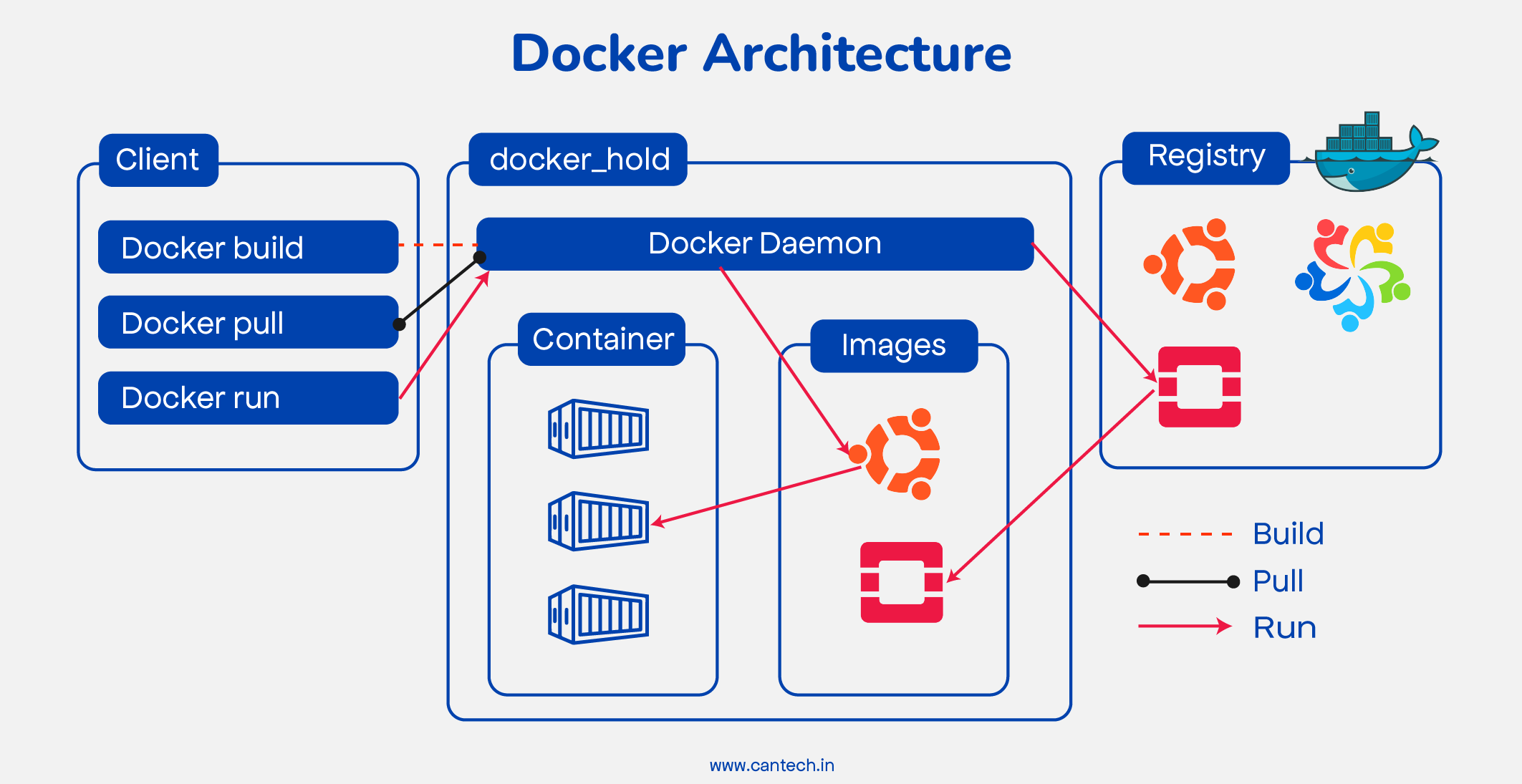
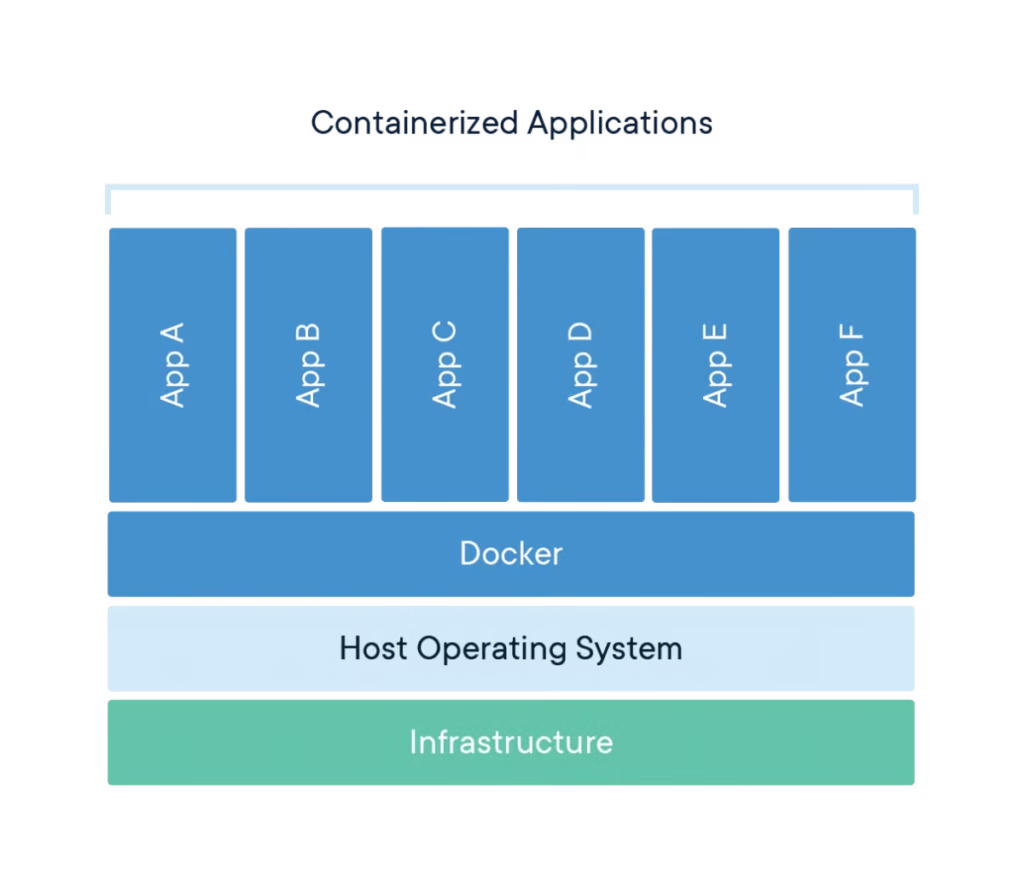
Docker is the tool that popularized containerization. It uses a client-server architecture built around a background daemon (dockerd) that runs with root privileges and manages all containers, images, networks, and volumes. Docker has the largest ecosystem, the most third-party integrations, and remains the default choice taught in most tutorials and documentation.
What Is Podman?
Podman is a daemonless container engine developed by Red Hat as a drop-in alternative to Docker. Instead of relying on a central root-owned daemon, Podman runs containers directly as child processes of the user who starts them. This “daemonless” design is Podman’s biggest architectural difference and the source of most of its advantages.
Key Differences
1. Security Model Podman supports true rootless containers by default, meaning a compromised container is far less likely to escalate privileges on the host. Docker has added rootless mode too, but it’s not the default and requires extra configuration.
2. Daemon vs Daemonless Docker’s daemon means if dockerd crashes, all containers it manages can be affected. Podman’s daemonless approach means each container runs independently, so one failure doesn’t cascade across your whole container fleet.
3. Command Compatibility Podman was designed to be a near drop-in replacement — most docker commands work identically with podman (e.g., podman run, podman ps, podman build). This makes migration relatively painless for existing scripts and documentation.
4. Kubernetes Integration Podman can generate Kubernetes YAML directly from running containers using podman generate kube, which is handy for homelab users experimenting with K3s or MicroK8s clusters.
5. Docker Compose Support Docker Compose has long been the standard for multi-container setups. Podman now supports Compose files too (via podman-compose or native support in newer versions), though compatibility can occasionally lag behind Docker’s official implementation.
Which Should You Choose for Your Home Server?
- Choose Docker if you want the largest community support, the smoothest experience with existing tutorials, and don’t mind running a root daemon.
- Choose Podman if security and rootless operation are priorities, especially on a shared or public-facing Linux server.
Final Thoughts
There’s no universally “better” option in the Docker vs Podman debate — it depends on your priorities. For quick homelab experiments following existing guides, Docker remains the path of least resistance. For security-conscious setups or environments closer to production standards, Podman’s rootless architecture offers a meaningful advantage worth the small learning curve.
Leave a Reply